
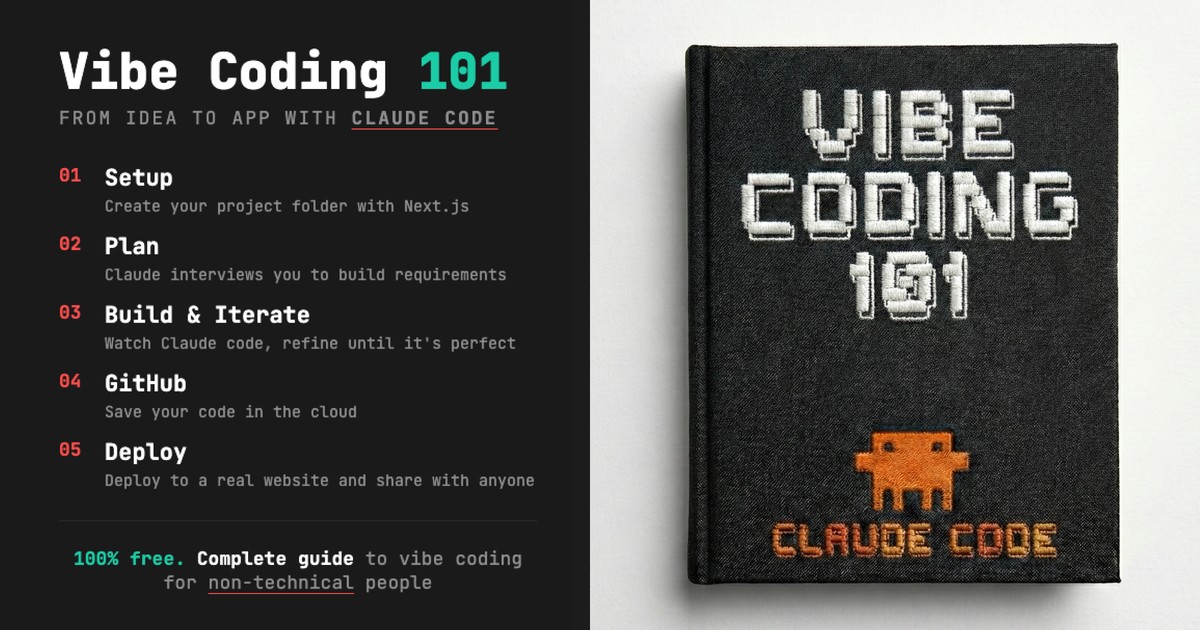
Module 2: Vibe Coding
You’ve learned to work WITH files. Now learn to CREATE them.
In this module, you’ll build a complete web app from scratch and deploy it live—all without writing code yourself.
What You’ll Build
A personality quiz app with:
- Multiple questions with custom logic
- Results based on answer combinations
- A live, shareable URL
The same process works for landing pages, tools, dashboards, and prototypes.
The Build Workflow
Plan → Build → Iterate → Save → Go Live| Phase | What Happens |
|---|---|
| Plan | Define what you’re building with clear requirements |
| Build | Claude creates the app from your specifications |
| Iterate | Refine with screenshots and feedback |
| Save | Push to GitHub for version control |
| Go Live | Deploy to Vercel for a public URL |
Module Lessons
| Lesson | Topic | Duration |
|---|---|---|
| 2.1 | Setup | 10 min |
| 2.2 | Plan | 25 min |
| 2.3 | Build & Iterate | 35 min |
| 2.4 | GitHub | 15 min |
| 2.5 | Go Live | 20 min |
Total time: ~2 hours
What is “Vibe Coding”?
Vibe Coding is building software by describing what you want instead of writing code.
You don’t need to learn JavaScript or understand frameworks. Your job is to:
- Know what you want – Be clear about the outcome
- Give good feedback – Tell Claude what to change
- Recognise quality – Know when it’s done
Claude handles the technical implementation.
Prerequisites
- Module 1 completion recommended (not required)
- Claude Code installed (see 0.1: Installation)
Download Course Materials
If you haven’t already:
Mac/Linux:
git clone https://github.com/carlvellotti/claude-code-everyone-course.git
cd claude-code-everyone-course
Or ask Claude:
Download the Claude Code for Everyone course materialsReady to build? Start with lesson 2.1: Setup.